Rodok

An automation is a rule: when something happens, do these things. Use them for the work nobody should do by hand.
Build one
- Open Automations and create a new one.
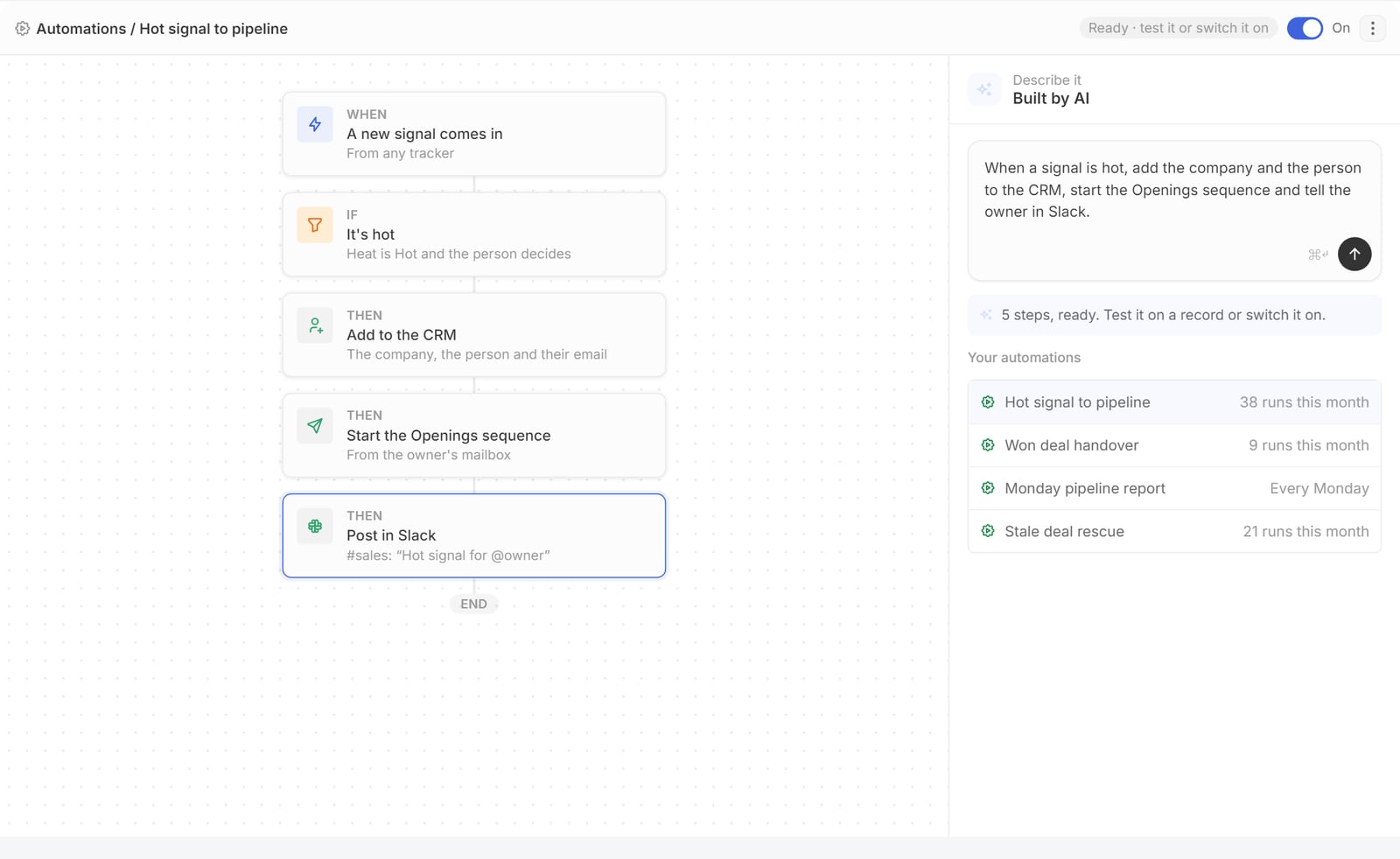
- The fastest way: click Describe it and say what you want. "When a deal moves to Won, create an onboarding task for the owner and post in the sales channel." Rodok builds the flow; you check it.
- Or build it yourself on the canvas: pick a trigger, then add steps with +.
- Test it on a real record before turning it on.
Triggers: what starts it
- A record is created, updated or deleted (a new person, a deal changing stage).
- An email arrives or is sent.
- A schedule: every day at 9, every Monday.
- A webhook: another tool calls Rodok.
- By hand, from a record.
- From a sequence, as one of its steps.
Steps: what it does
- Records: create, update or find companies, people, deals, tasks and notes.
- Messages: send an email or prepare a draft, post in team chat, notify a teammate, post to Slack.
- Logic: conditions, branches, loops and waits.
- AI: write, summarize or classify with a prompt.
- Outreach: add someone to a sequence or remove them.
- Other tools: call any service with an HTTP request.
- Reports: email a report to someone.
Examples
- New signal marked hot → create a task "Reach out today" for the account owner.
- Deal with no activity for 14 days → notify the owner.
- Every Monday at 8:00 → email the forecast to the team.
- Reply received from a sequence → move the deal to "In conversation".
Check what ran
Each automation keeps a run history: when it ran, on which record, and what each step did. If a step fails, the workspace admins are told (Settings → Automations).