Rodok

Rodok watches LinkedIn for the moments that make a company likely to buy, finds the person to contact, and keeps the outreach and the deal in one place. This guide takes a new workspace from empty to its first signals.
1. Tell Rodok about your company
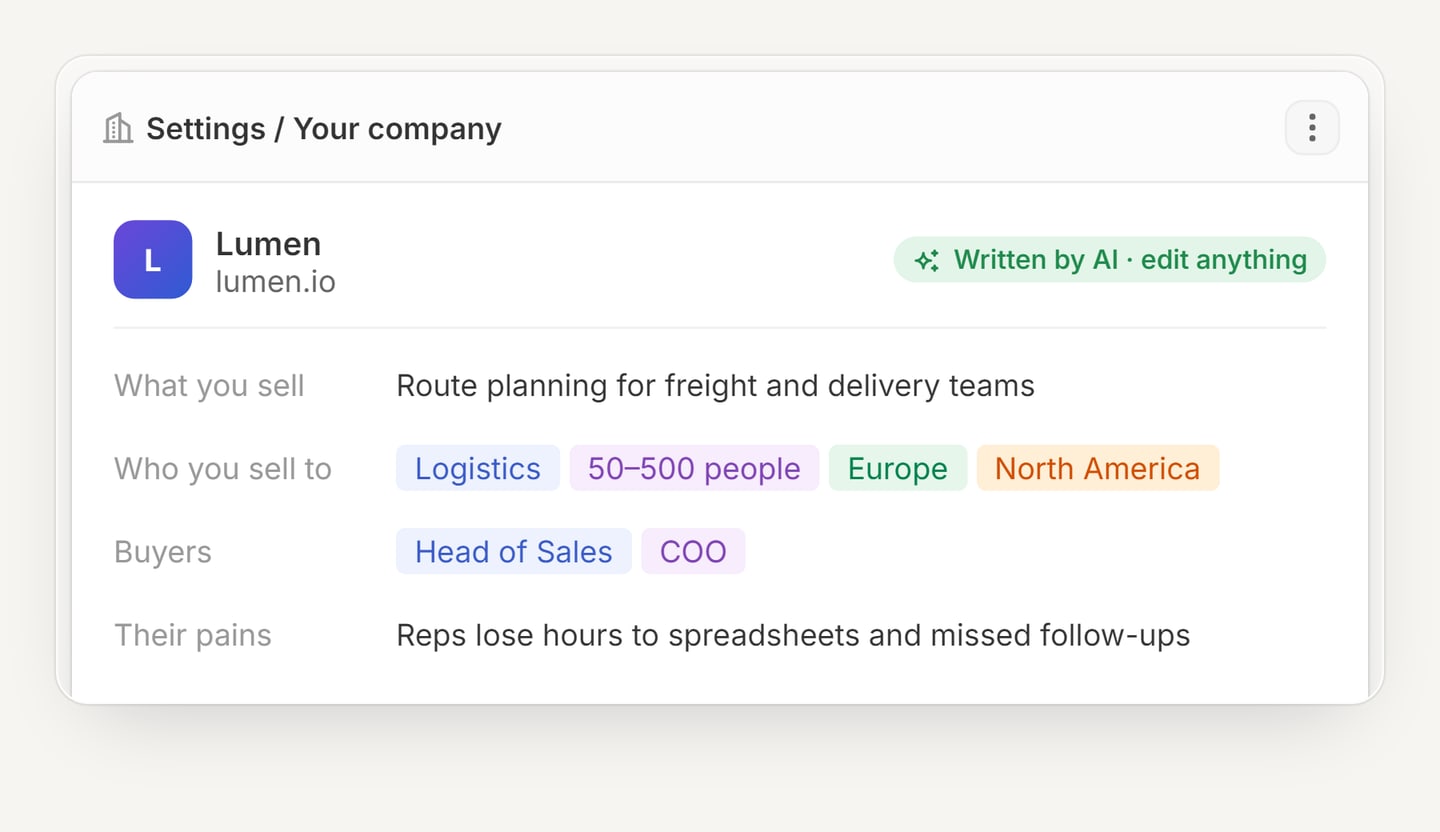
Open Settings → Your company and enter your website. Rodok reads it and fills in a profile: what you sell, who you sell to, the problems you solve and how to pitch it. Check it and correct anything that's off.
Everything the AI writes for you (first messages, sequences, the assistant's answers) works from this profile, so two minutes here improve everything after it.
2. Connect your mailbox
Open Settings → Accounts and click Add account. Choose Google, Microsoft, or an app password for any other mailbox. Once connected, your emails and meetings show on the right people and companies, and sequences send from your own address.
See Connect your mailbox for each option step by step.
3. Create your first tracker
Open Trackers and click New tracker. Describe what you want to watch for in one sentence, for example:
- "New VPs of Sales at B2B software companies in the US"
- "Hotels in Spain hiring a revenue manager"
- "Founders asking for CRM recommendations"
Rodok designs the tracker, shows you a test, and then runs it every day. See Create a tracker.
4. Work your signals
What your trackers find lands in Signals: who, why now, and a first message ready to edit. Add the good ones to your CRM or straight into a sequence. See Work your signals.
5. Invite your team
Open Settings → Members to invite teammates. Three seats are included in every plan. See Invite your team.
What to read next
- Find your way around
- Find leads when you want a list of people, not a signal
- Create a sequence to follow up automatically